
SmarterWX Automate supports additional response options that can help to reduce damage to your assets through more effective information sharing.
Interactive web maps
Your automated responses can be configured to include a link to an interactive web map. This gives an enquirer the ability to explore their dig site to better understand how it intersects with your assets.

Interactive web maps are:
- fully interactive – enquirers can zoom in to explore their dig site and view assets that are present.
- limited to the dig site extent – enquirers can’t navigate away to explore assets outside their dig.
- subject to the same expiry as asset map PDFs – the link will stop working after 30 days.
Spatial data download
Automated responses can also be configured to include a link to download raw spatial data. The enquirer can imported this data into their third party system to enhance their workflow.
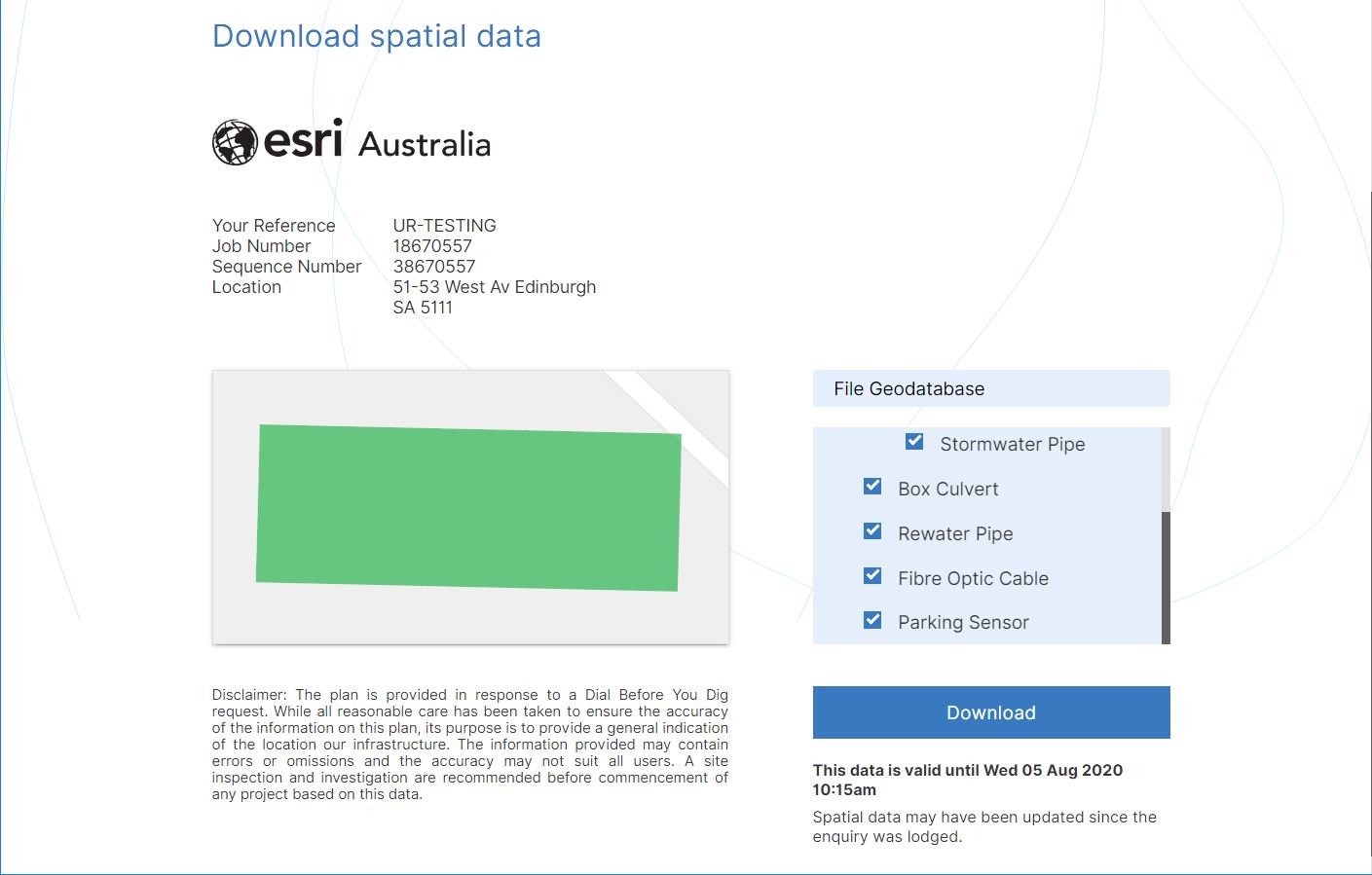
Spatial data downloads are:
- available in file geodatabase format (.GDB)
- subject to the same expiry as asset map PDFs – the zip contains a disclaimer clearly stating the expiry date.
To enable digital sharing options
Follow the simple steps to enable digital sharing:
- Login to SmarterWX Automate as an Org Administrator
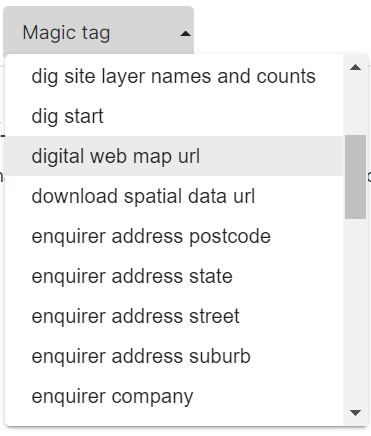
- Go to Library > Email bodies and choose a template
- Insert the relevant magic tag in the body of the email template
- {{digital web map url}} for an interactive web map
- {{download spatial data url}} for spatial data download
- Save your changes
The magic tags will be automatically converted by SmarterWX into unique links in your response emails, with nothing further to do.