
The Before You Dig enquiry-response process is built on emails. A confirmation email is sent from 1100 to you as well as to each of the asset owners with an interest in the area you are digging. Following on from that, each of the asset owners send you an email with the maps and related information about their underground assets.
Because it’s all based on email each user has a special SmarterWX Locate email address where these documents get sent. As with any email address it’s open to the world and you can receive any email at the address. Our servers do strip out most spam but from time to time emails may get through.
The standard process used by SmarterWX Locate when an asset owner response is received is to scan the contents for a Sequence Number that allows us to match the response to one of your enquiries. Some asset owners have been known to send responses without the sequence number or with a wrong sequence number – if this is the case SmarterWX Locate cannot match it and it is moved into your “Mailbox” for manual review.
You will be sent a notification email each time SmarterWX Locate comes across an email that cannot be matched. These can then be viewed and matching up manually in the “Mailbox” feature of SmarterWX Locate.
Viewing unrecognised emails
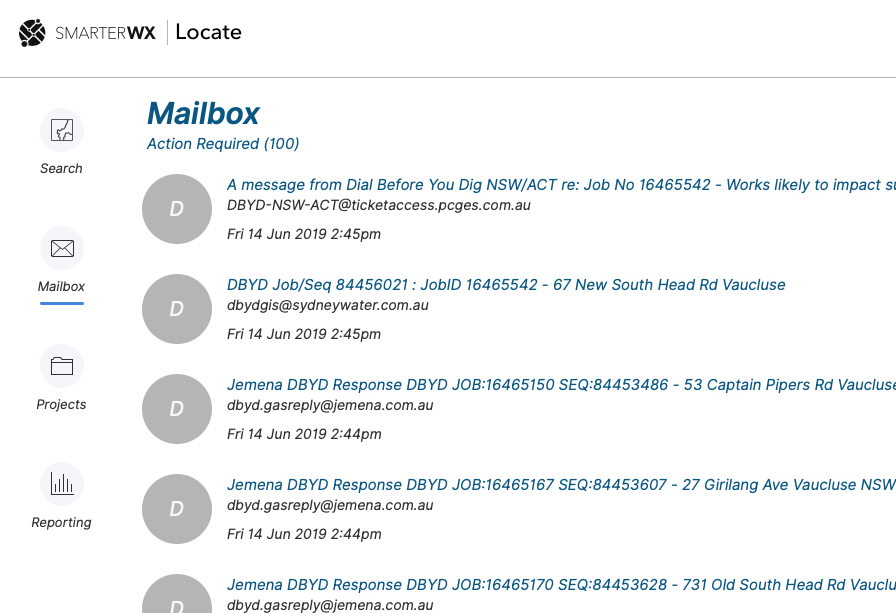
Emails sent to your SmarterWX Locate address that cannot be matched are shown in the “Mailbox”. This is accessible from the main left-hand navigation menu.
When you enter the mailbox you will see a list of any emails that have not been matched (if there are any).
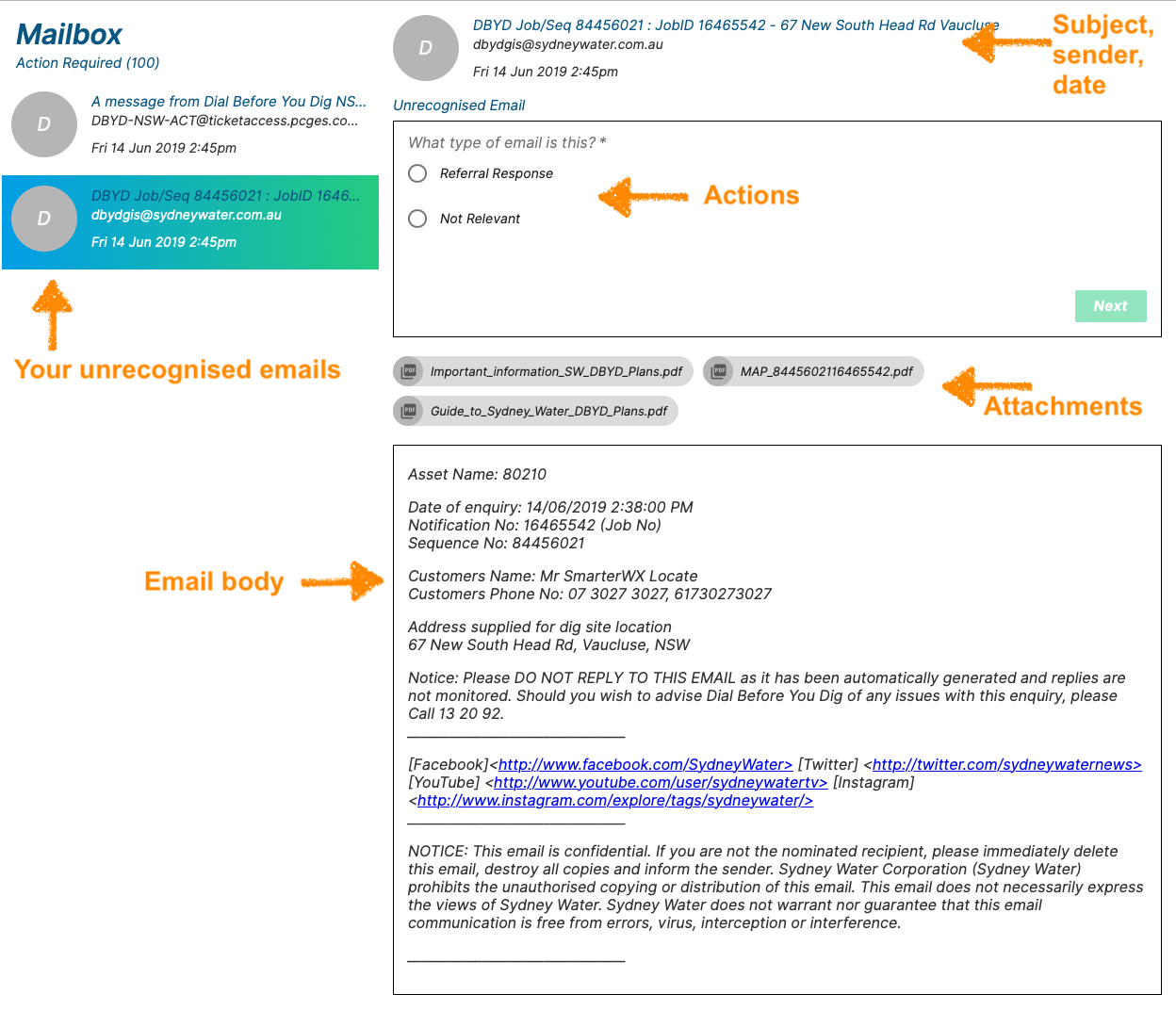
Select an email from the list to view the email content and any attachments that are part of the email. You have two options for how the email should be handled: –
- This email is not related to any enquiry referral and can be deleted (e.g. junk mail).
- This email is related to an enquiry referral and I want to match it to the referral.
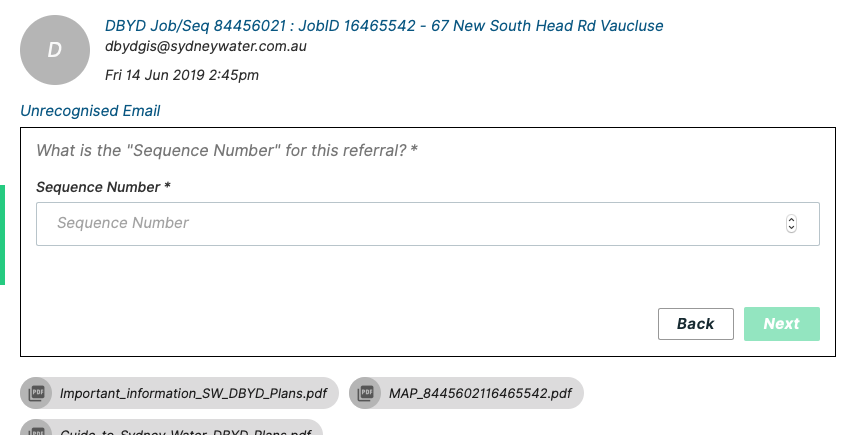
If the email is related to an enquiry referral, select the “Referral Response” option and hit Next. You will be prompted for the sequence number of the referral that this email is connected to. Enter the sequence number in the box and hit Next. The email is now correctly linked.
Emails will disappear from your mailbox list as you mark them as Not Relevant or link them to an asset owner referral.