The “Reporting” feature in SmarterWX Locate is available to users with Administrator permissions only.
As an administrator you able to generate reports on the activities within SmarterWX Locate. The reporting function is used to display management reports based on your enquiry history.
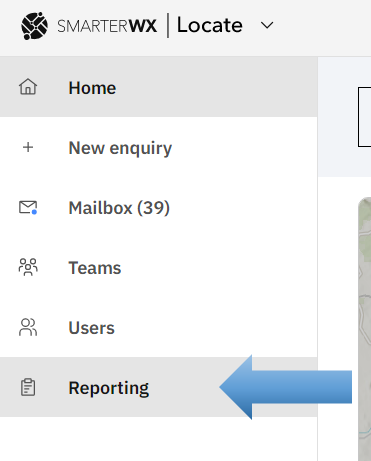
To access the reporting feature, select “Reporting” from the left-hand menu.
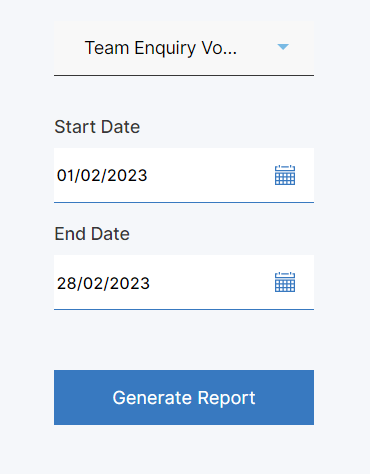
Once inside the reporting feature, select the report you would like to run from the drop-down list. Each report has a different set of parameters that you can enter to constrain the report options.
Each report is different and may include data tables, graphs and charts.
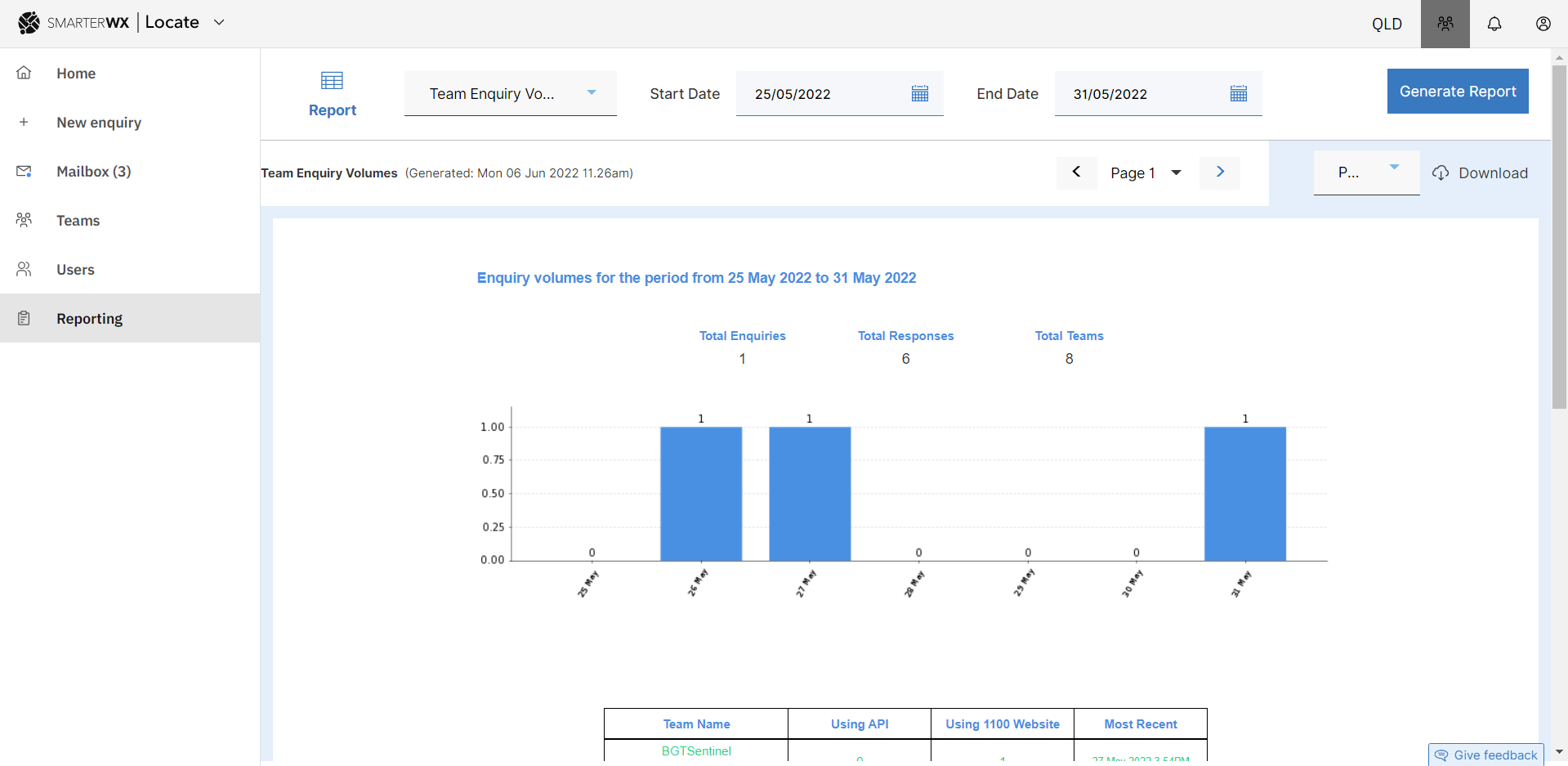
Some reports will have more than one page of data. In this case use the pagination tools shown above the report window.
Exporting Report Data
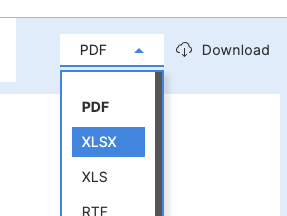
Reports can be downloaded as either a printed form or as the underlying data for further analysis.
Select the format you would like (PDF for a printed version, XSLX for a spreadsheet version) and then click on the Download button.