
When your administrator has invited you to join your company or organisation’s portal, you’ll receive an email.
Clicking the Get started link will take you to setting up your account.
Your email address should already be preloaded.
You will need to input:
- your name
- a contact number
and
- create a secure password
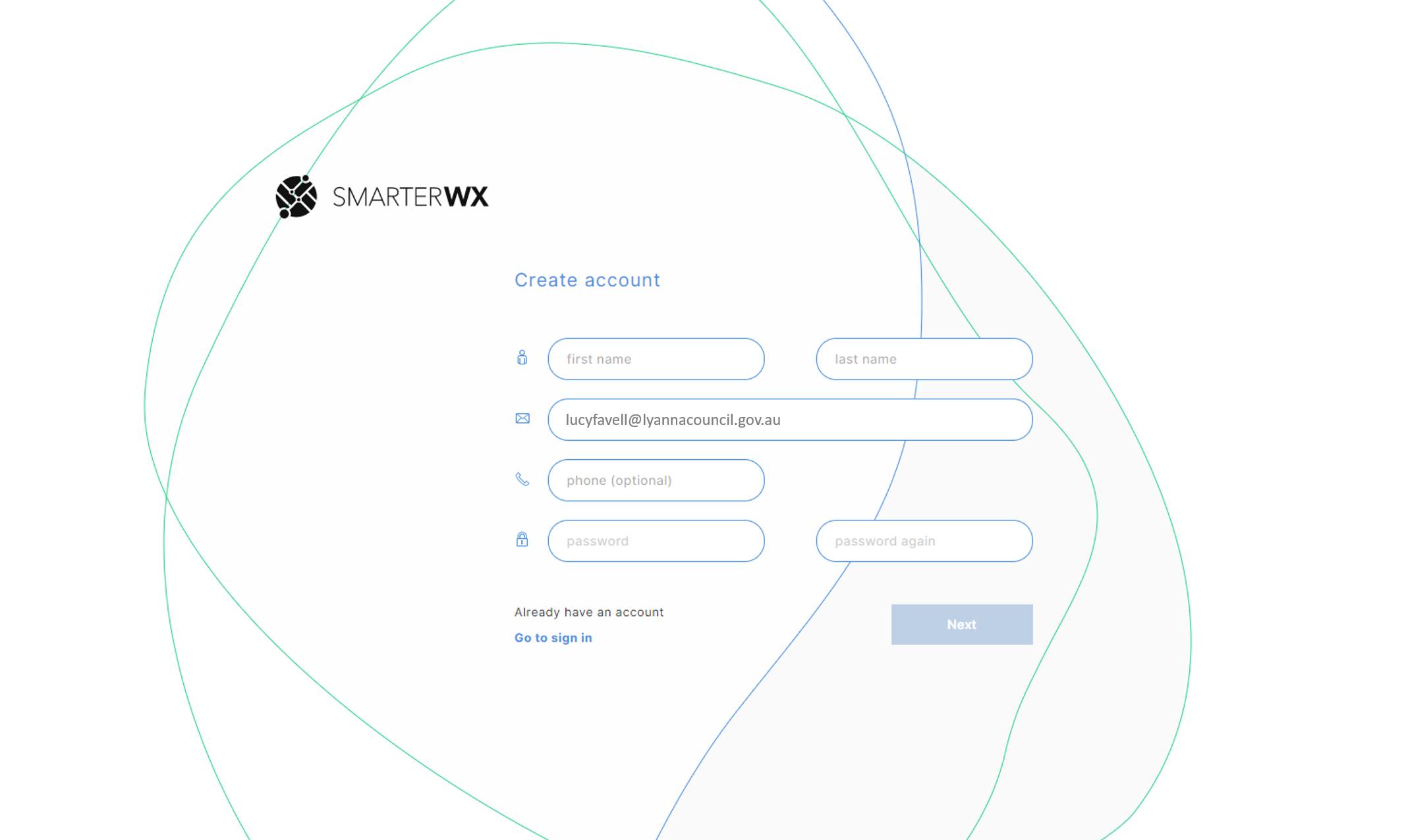
Click Next and will take you to the SmarterWX login screen, for you to sign in.
It’s recommended that you bookmark the login page, for quick and easy access in the future.
Logging In
To reset your password, you’ll need to have access to your email address that was registered with your account.
Click on the Can’t Sign In link.
Enter your email and click Send reset information
If a valid account exists, you’ll receive an email with a link to reset your password.
Once you’ve reset your password, click on Set Password
You’ll then be redirected to the login screen.
Request a magic code
A convenient way of logging in if you don’t want to worry about remembering passwords, is to request a magic code. A magic code is a one-time use code to your email address, to bypass having to input a password.
You’ll need to input your email address, then click Request Magic Code.
You’ll receive an email with 4 random letters and numbers.
You will need to then input this code to the spaces available, and you will be logged in.
This code will be valid for 5 minutes.